
Document CenterImport sources, then summarize and chat instantly


Core Features
WiseMindAI Core Features
Bring common features and underlying settings together to cover the full learning workflow
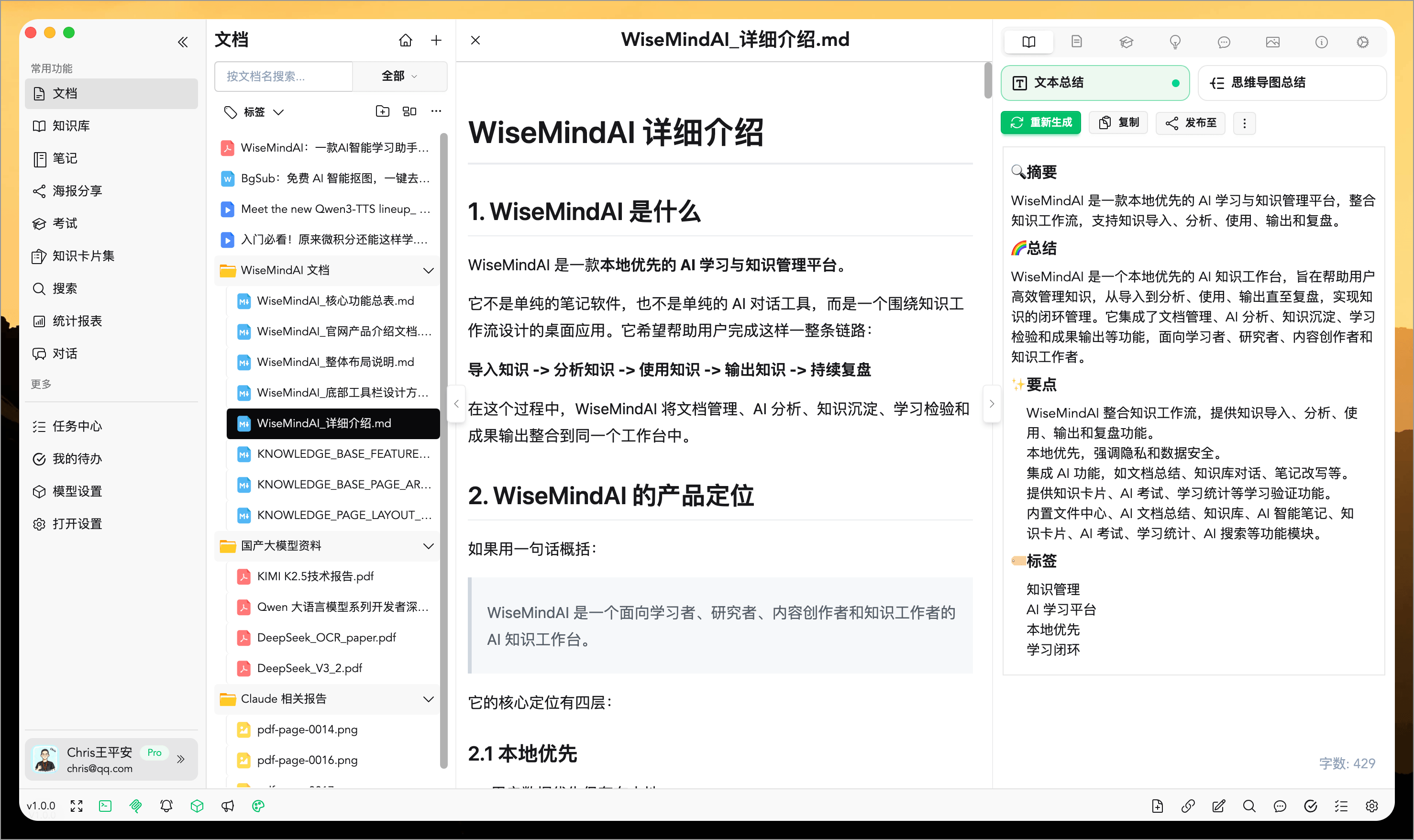
Document Center
Import, manage, preview, and process documents, links, images, audio, and video in one place.
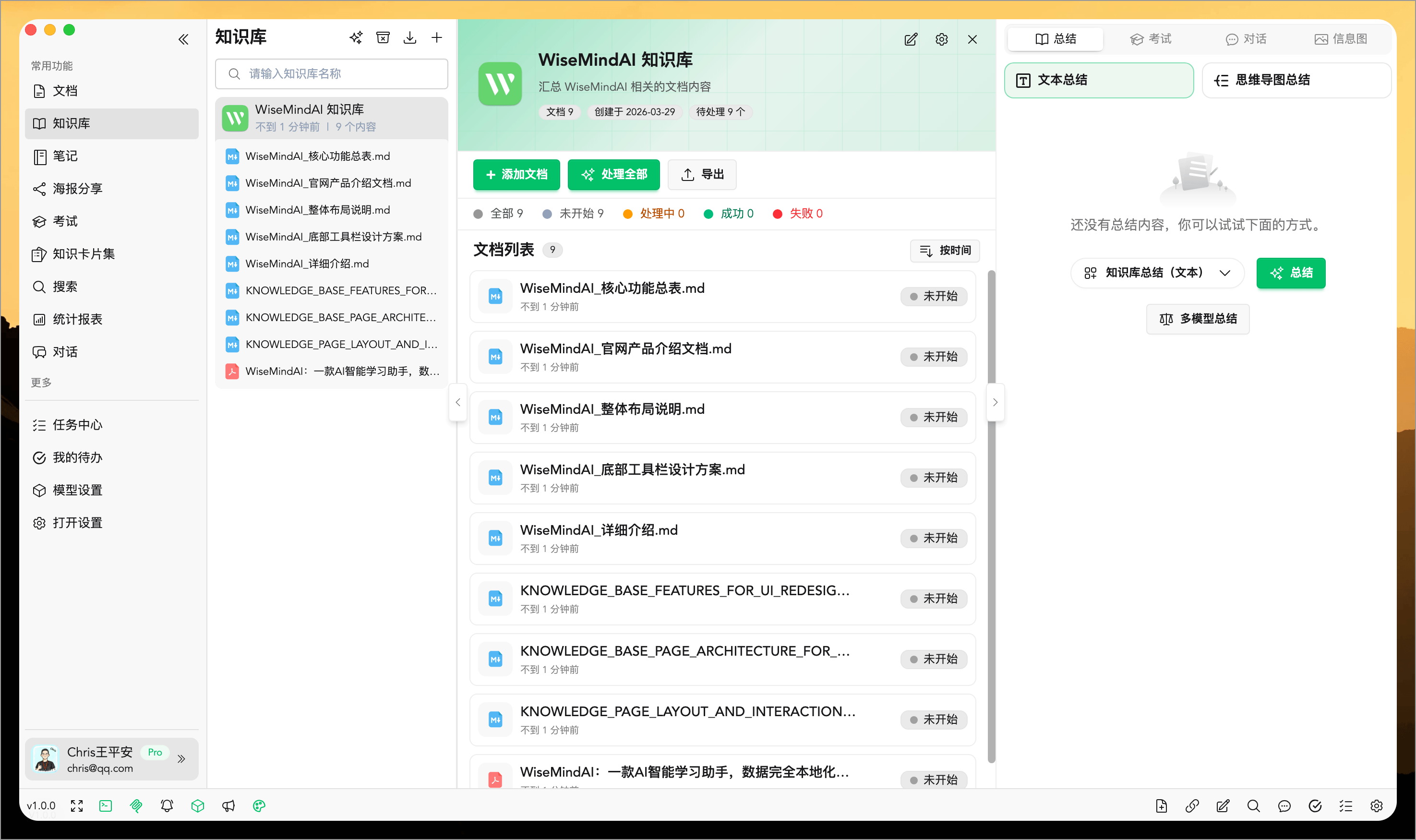
AI Knowledge Base
Bring multiple materials together around one topic with continuously updated RSS feeds, Obsidian vaults, local folders, and cross-document learning.
Local Live Transcription
Create transcripts while recording meetings, classes, and interviews. With FunASR, recordings stay on your computer and transcription works offline.
AI Work
Start with one request, then let AI read materials, plan steps, execute the task, check the results, and deliver documents, study plans, or Knowledge Base content.
Global Quick Screenshot
Capture and annotate content in any app, then save it directly to Documents, Knowledge Bases, Notes, or the clipboard.
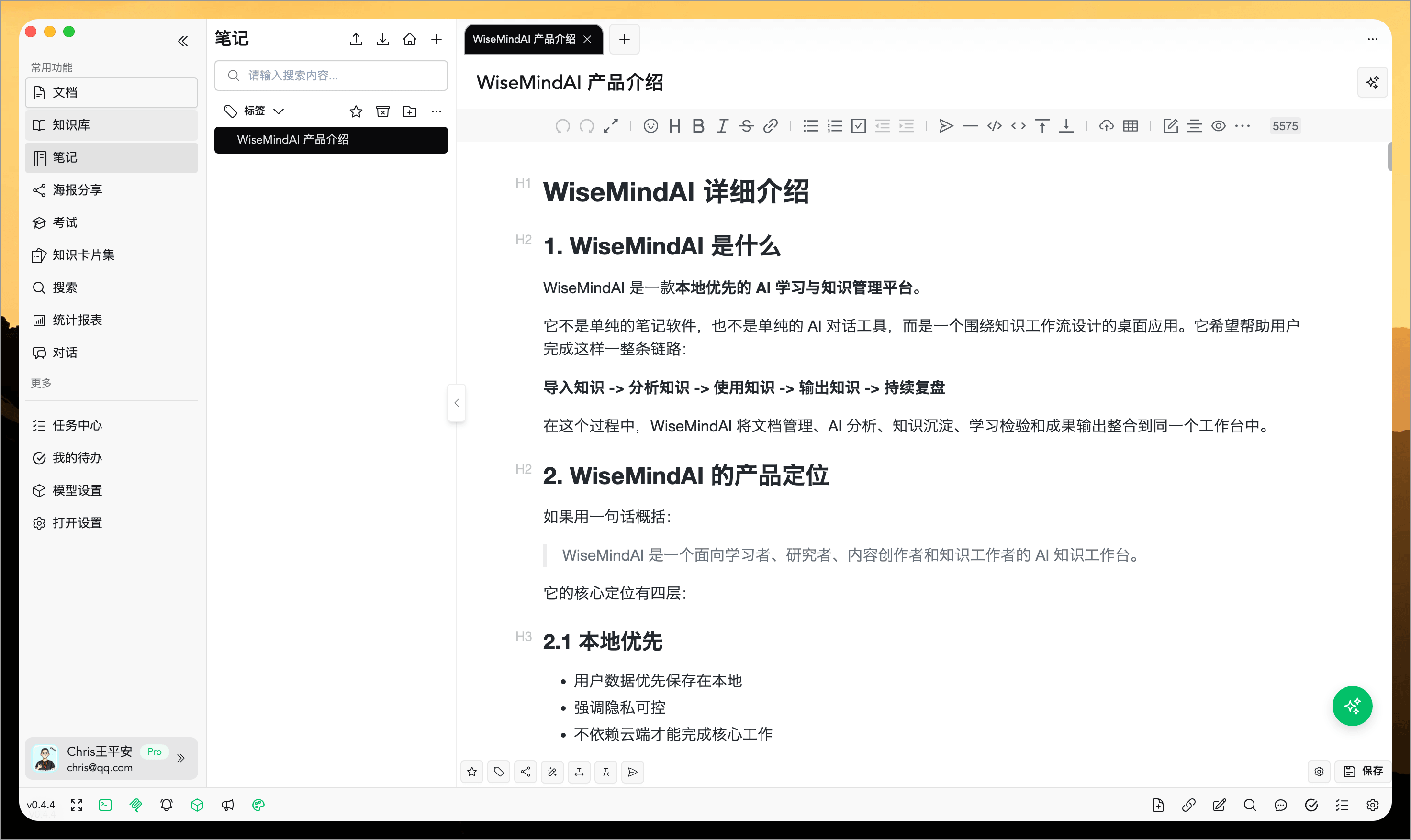
AI Notes
Record, organize, rewrite, expand, and share personal knowledge content.
Undo Accidental Deletions
Immediately undo the deletion of documents, notes, knowledge bases, knowledge cards, exams, and other content.
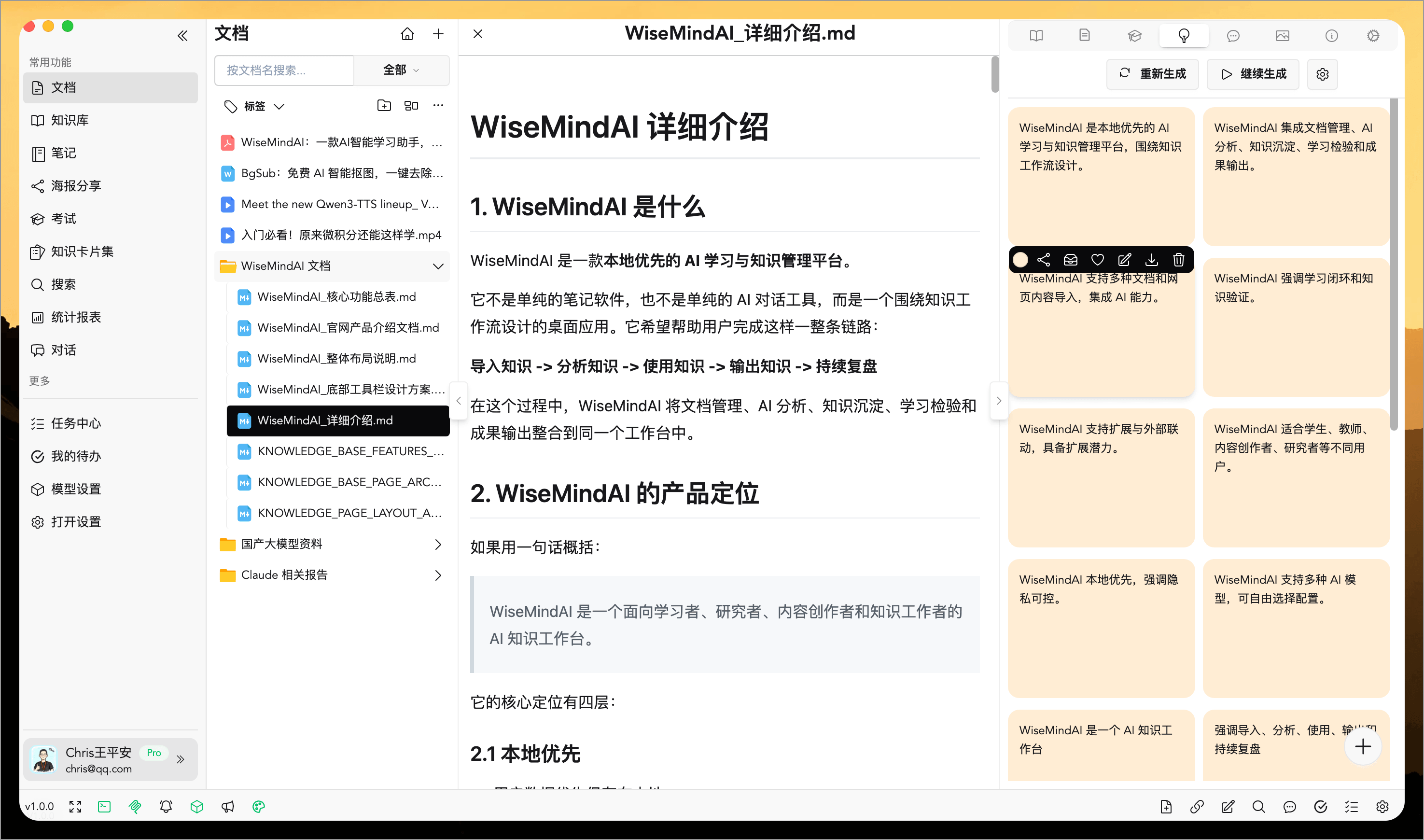
Knowledge Cards
Turn documents and notes into smaller study units for practice and review.
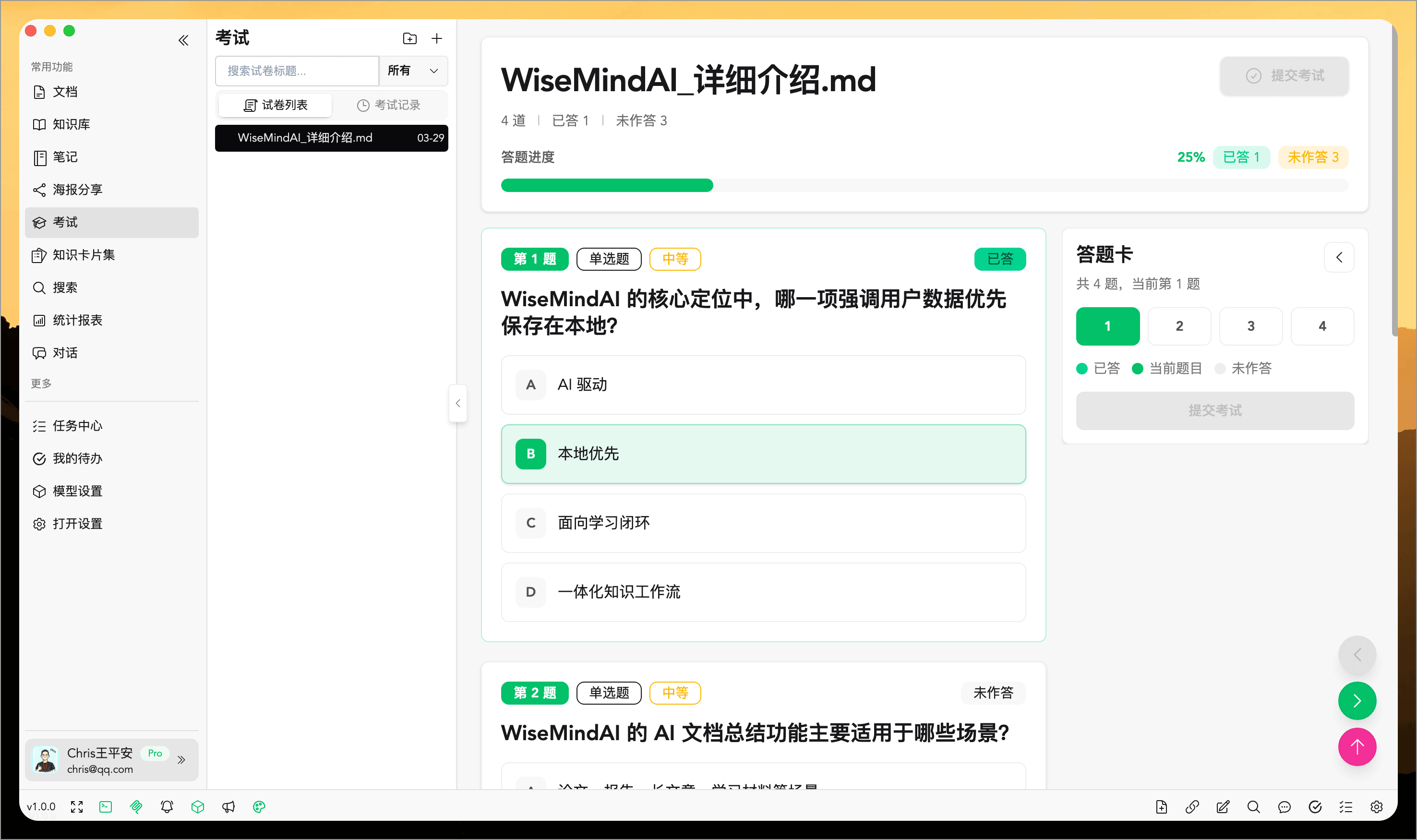
AI Exam
Generate tests quickly and get analysis reports that make learning outcomes measurable.
Learning Review
Review learning progress, mastery, review activity, and output over the past 7 or 30 days.
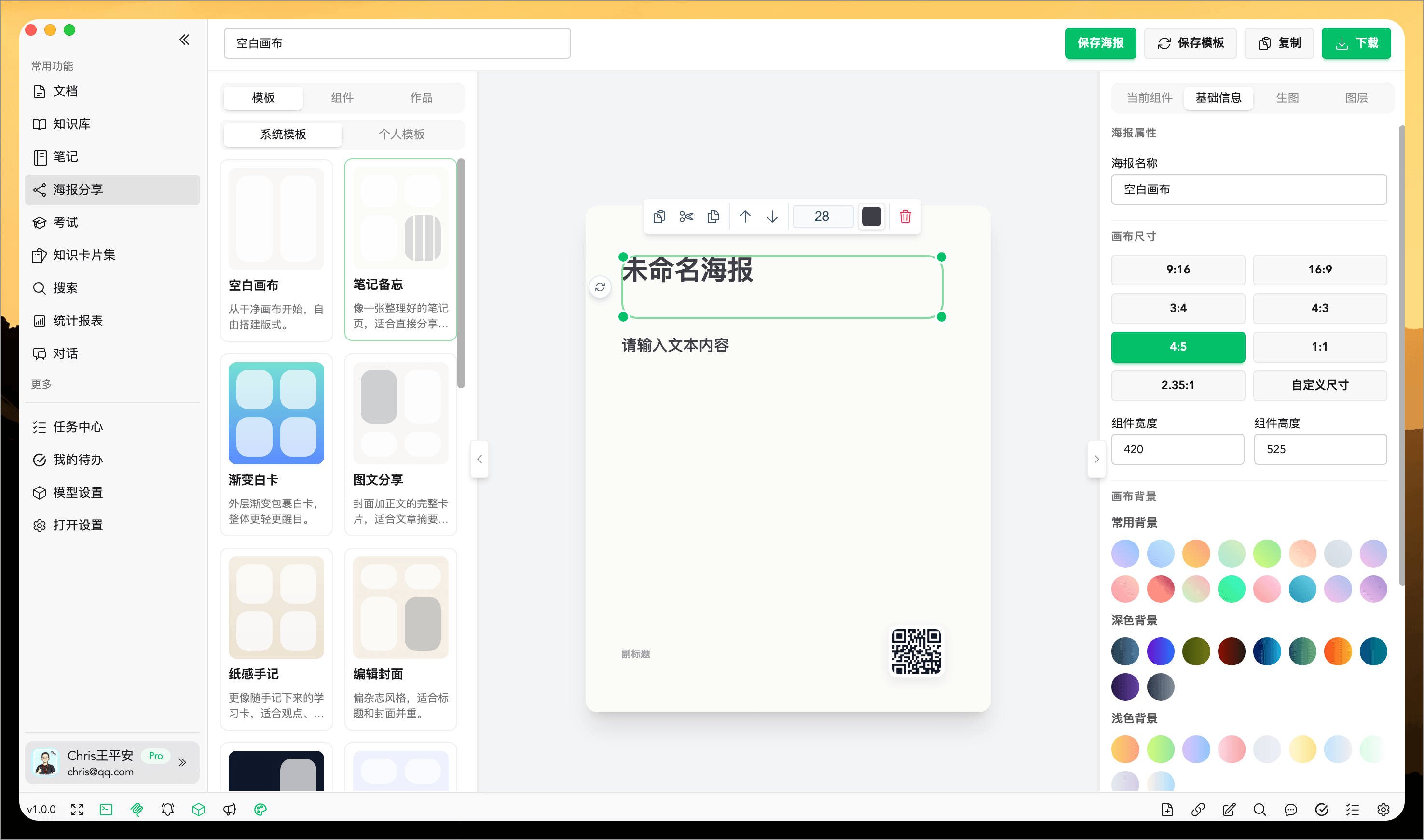
Posters and Infographics
Convert content into visual outputs for communication, teaching, and sharing.
Browser Extension and Web Clipping
Save links, selected text, PDFs, and screenshots directly from the browser.
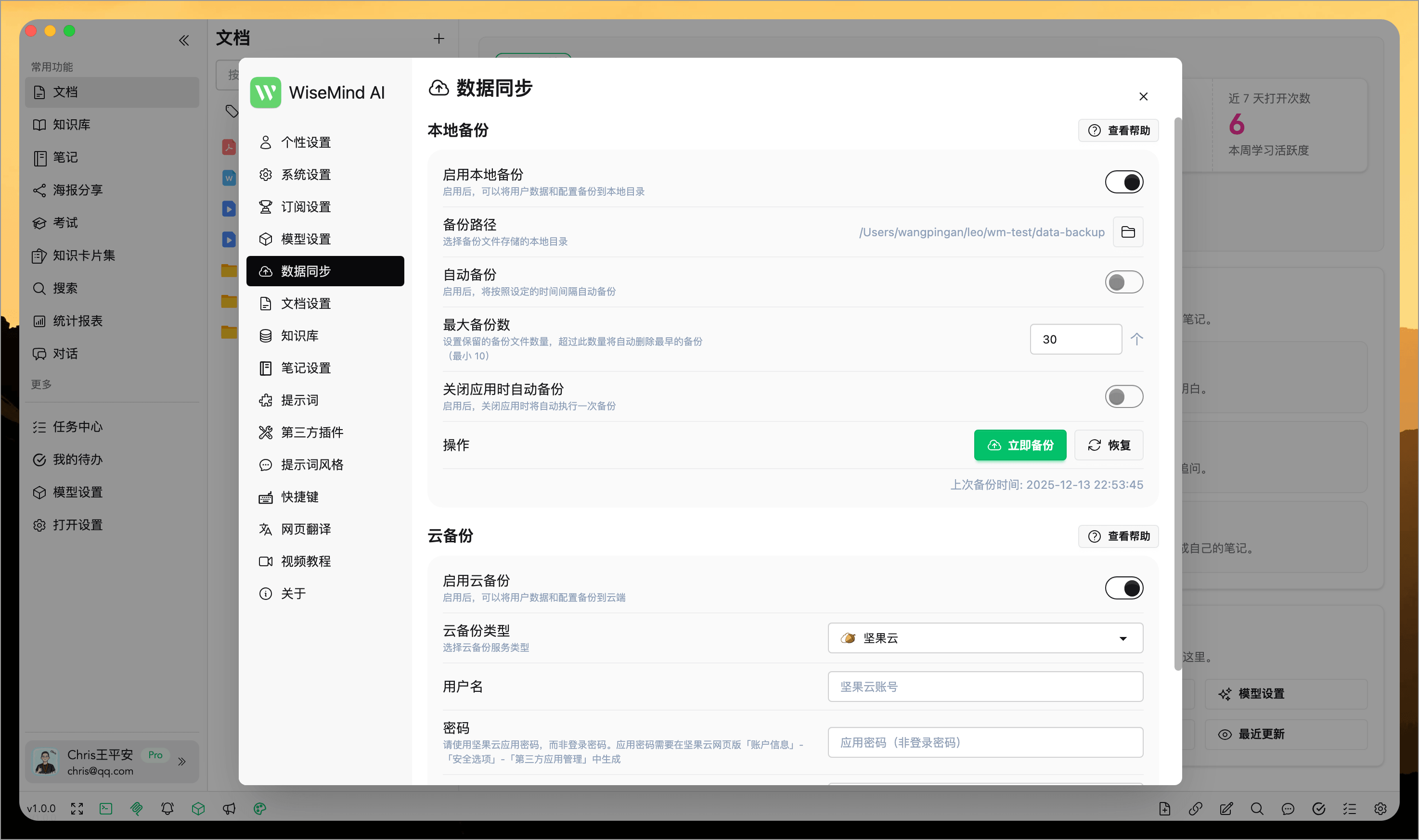
Backup and Sync
Protect long-term knowledge assets with local backup, cloud backup, and restore.
Skill Support
Import Skills from GitHub or other Agents on your computer, then let AI use them to organize materials and write content.
Open Interfaces and Integrations
Provide local APIs, MCP services, and plugin capabilities for broader tool connections and automation workflows.
Immersive Translation
Supports immersive webpage translation and flexible configuration of languages and visual themes.
Cross-Platform Note Sync
Publish to Feishu, Notion, Obsidian, Flomo, and more with one click.
Custom AI Prompts
Make summaries, writing, rewriting, and analysis fit your actual needs more closely.
Models and Productivity Settings
Support multiple models, immersive translation, and high-frequency efficiency tools.