Installation Guide
WiseMindAI currently supports Windows and macOS systems. Click the button below to go to the download page:
After downloading, simply run the installer directly.
Troubleshooting
1. Mac Users
During installation on Mac, you may be prompted with a message:
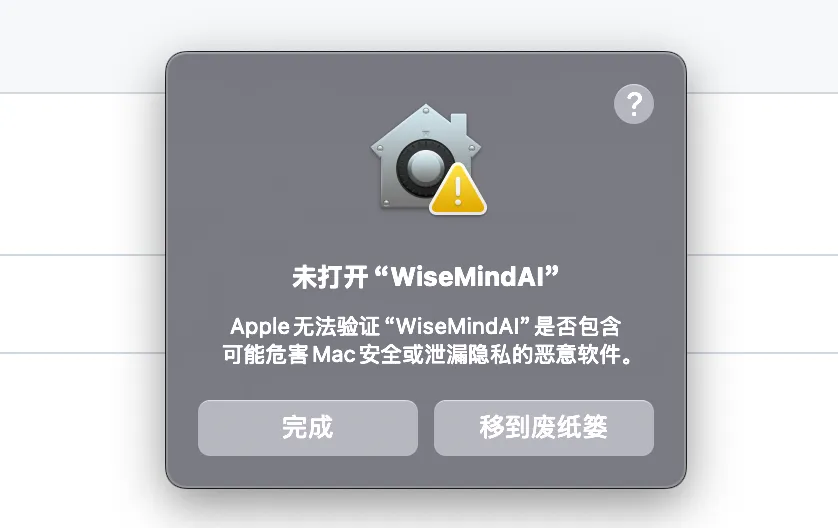
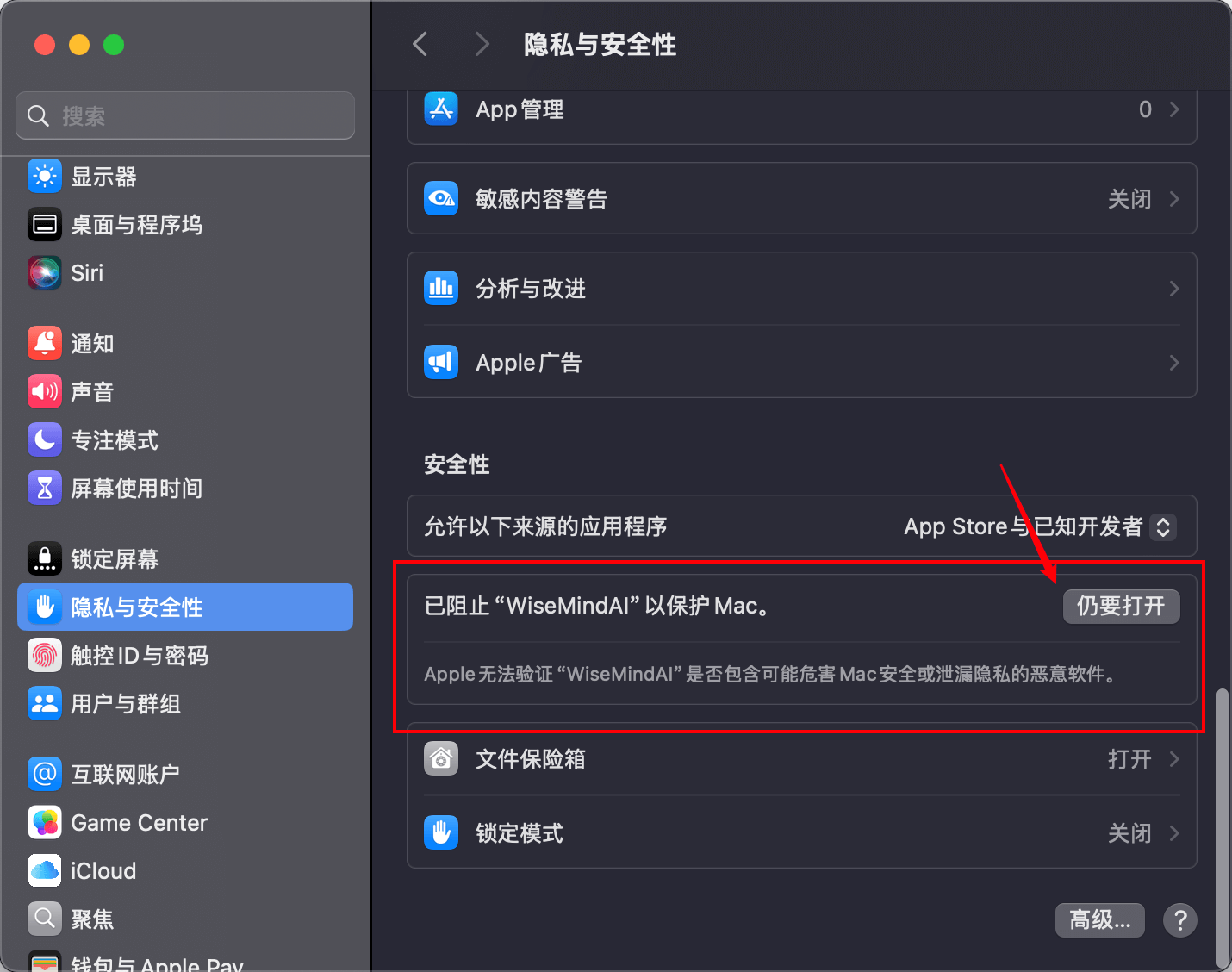
To resolve this issue, follow these steps: Open "Settings Panel -> Privacy & Security -> Security", then click "Still Open":
Then click "Still Open" in the popup dialog again:
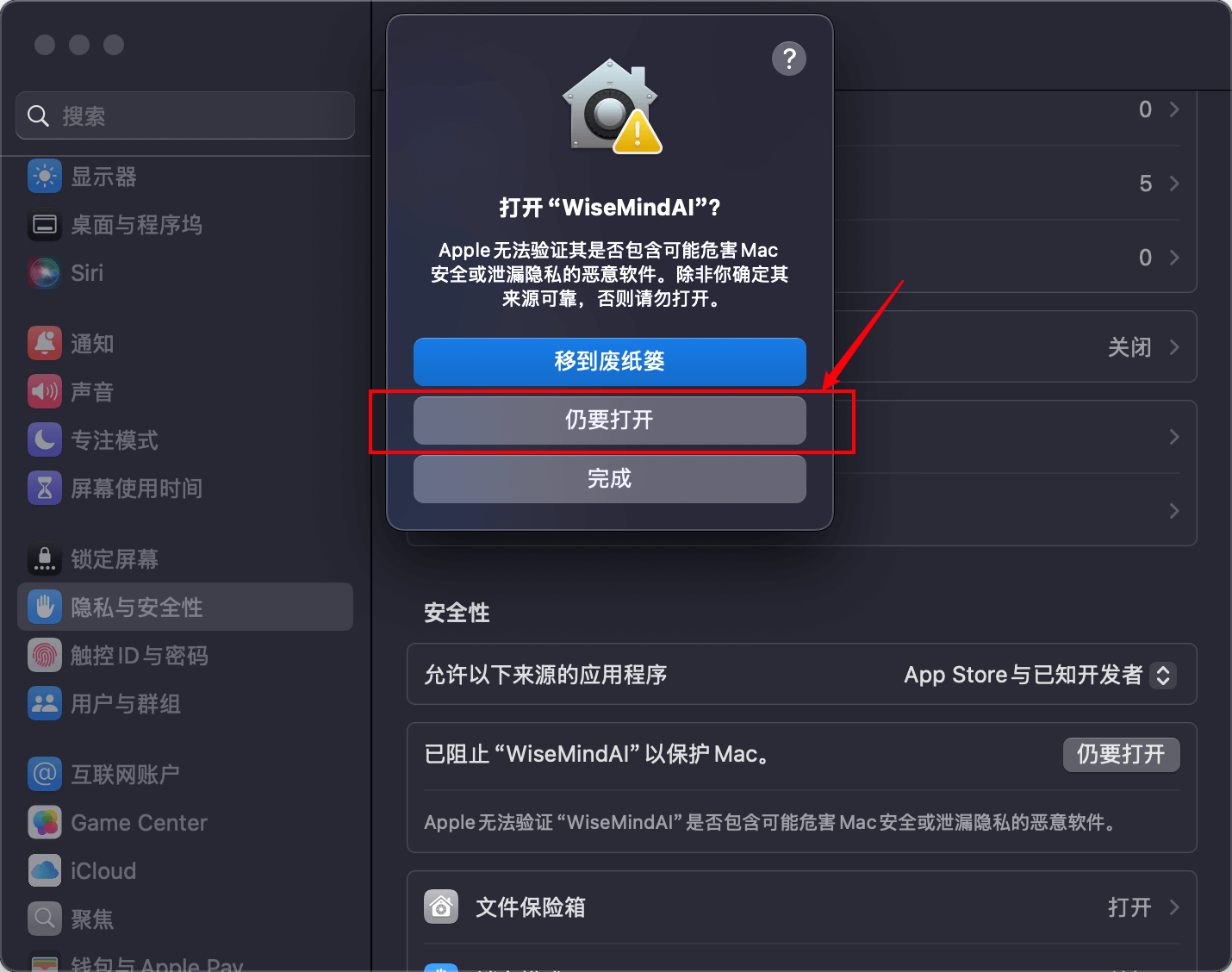
You can now launch and use WiseMindAI normally.
Alternatively, you can execute the following command via Terminal:
xattr -cr /Applications/WiseMindAI.appThen run WiseMind AI again.
2. Windows Users
Simply download and run the installer directly.
Initialization
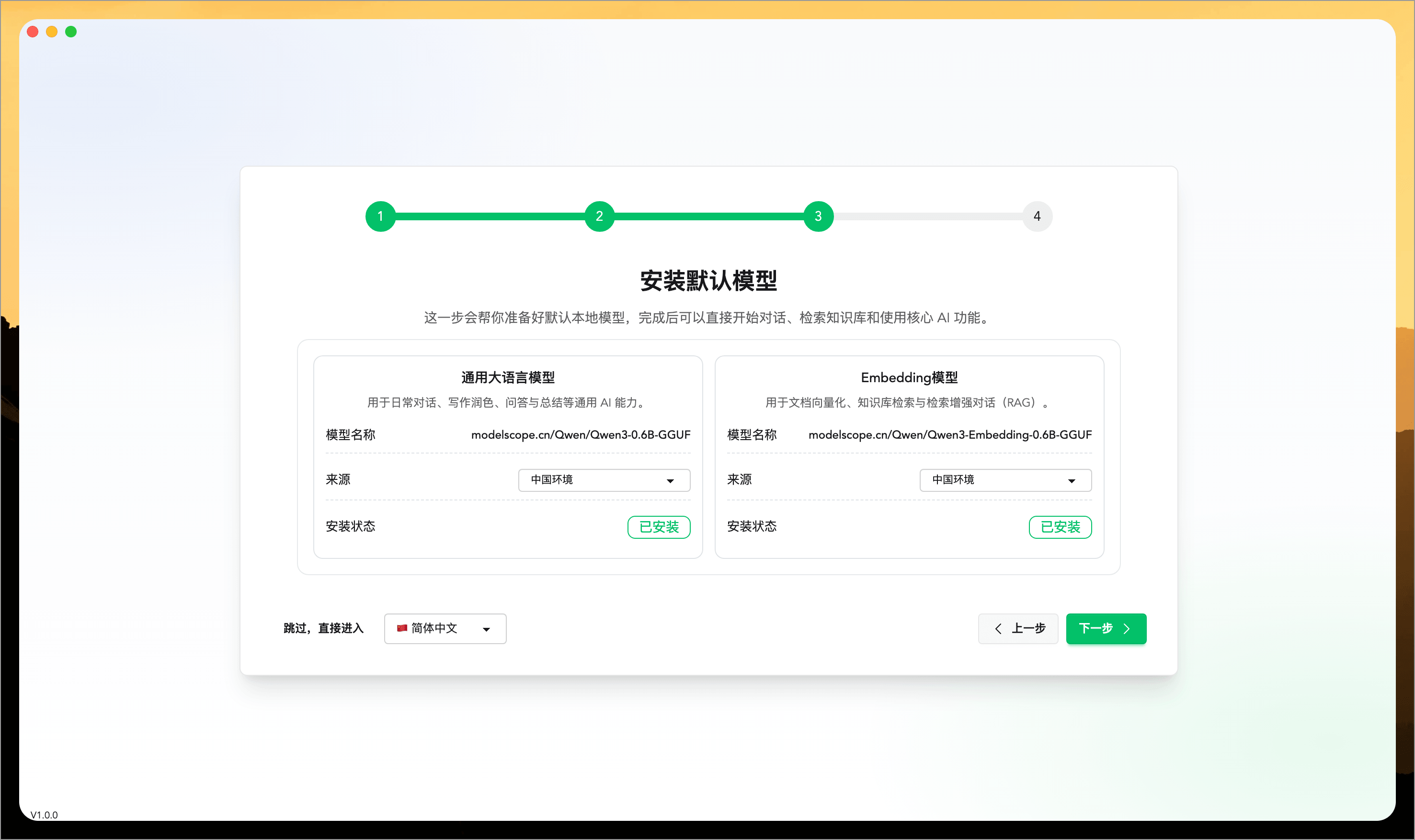
Upon first startup after installation, follow the on-screen guide to perform basic initialization tasks as needed, install initial models if required, and complete foundational workspace settings:
Getting Started
After installing the model, you can start using most AI features in WiseMindAI immediately. Begin exploring all available functions:
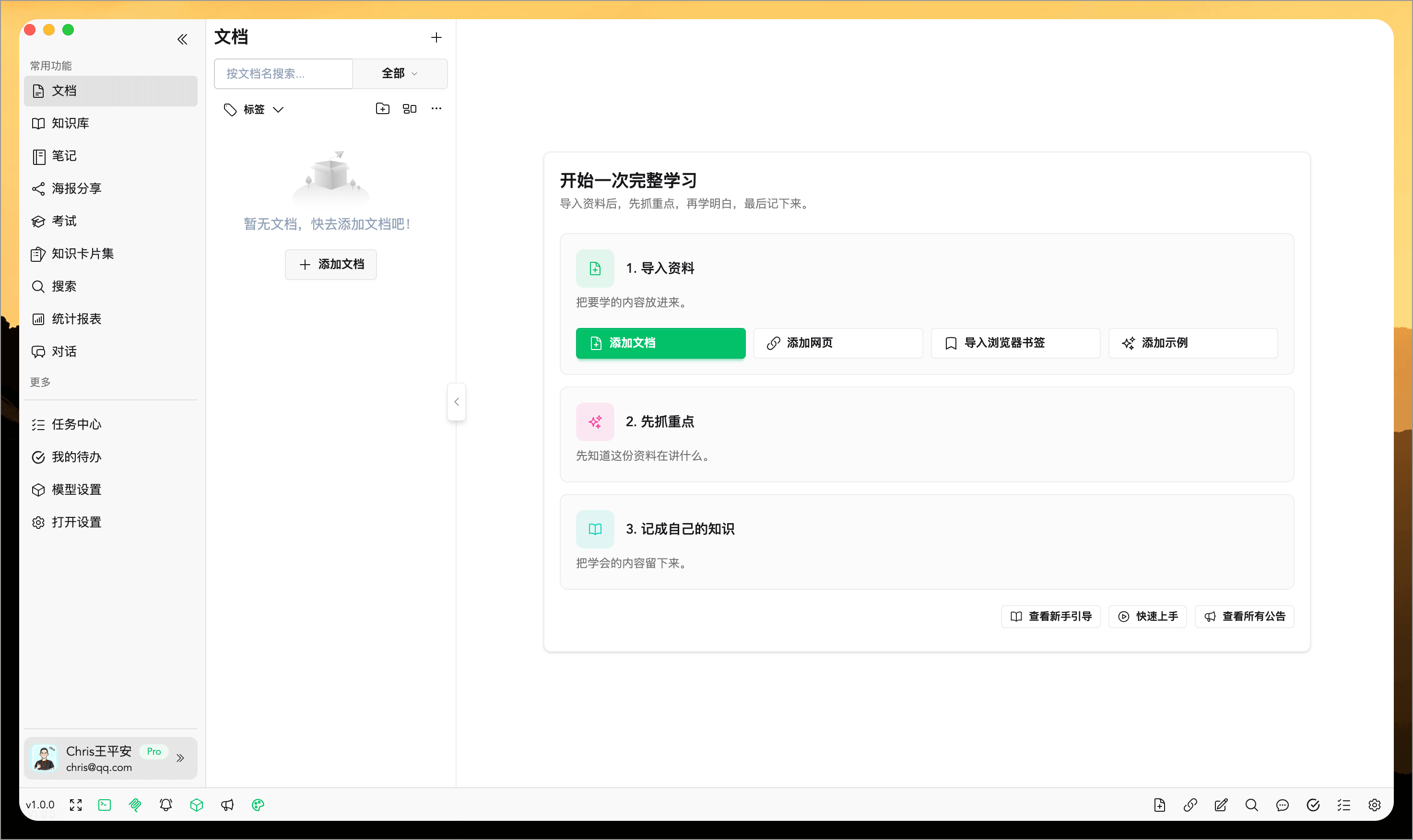
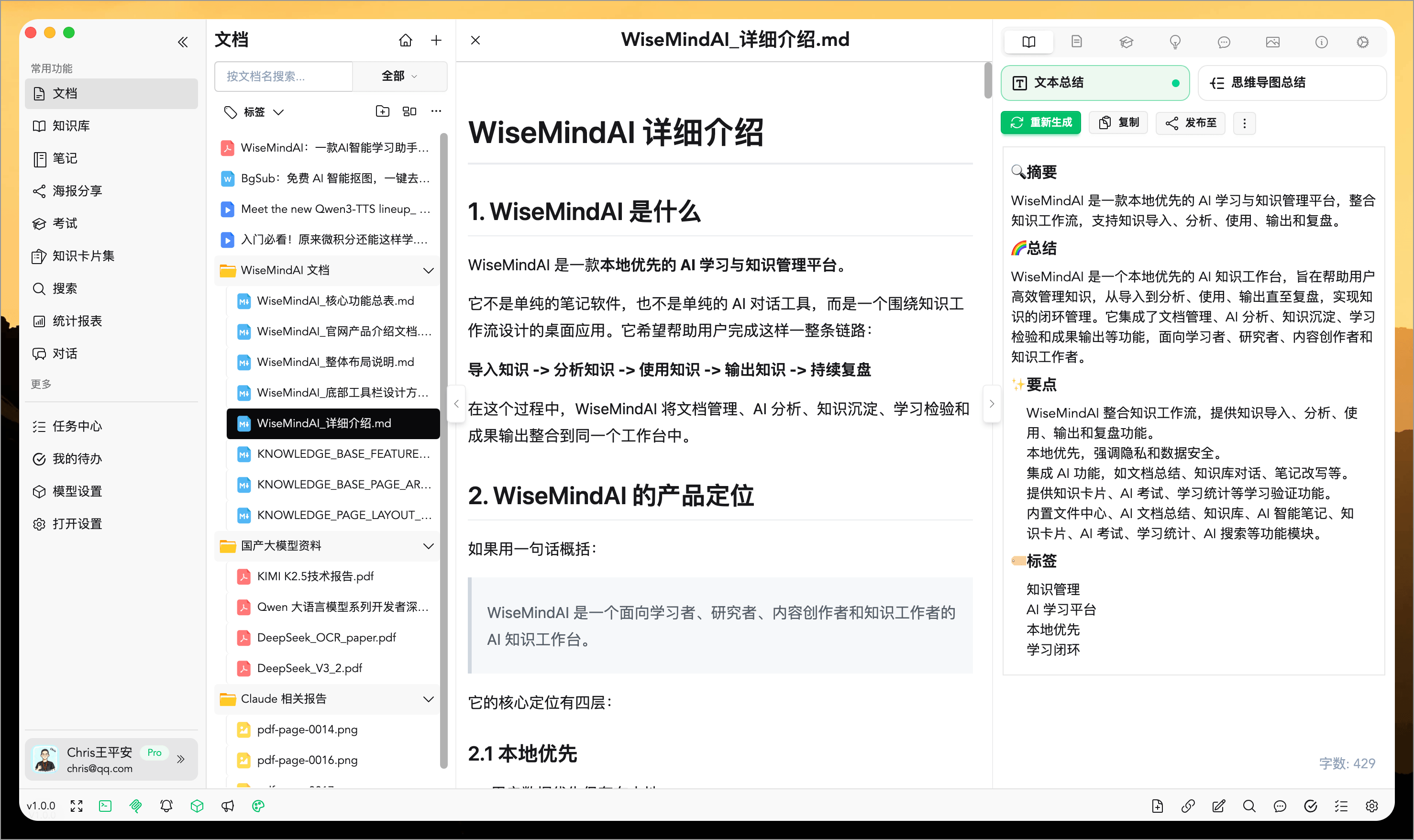
Follow the home page guide to add documents, web pages, import browser bookmarks, and begin learning.
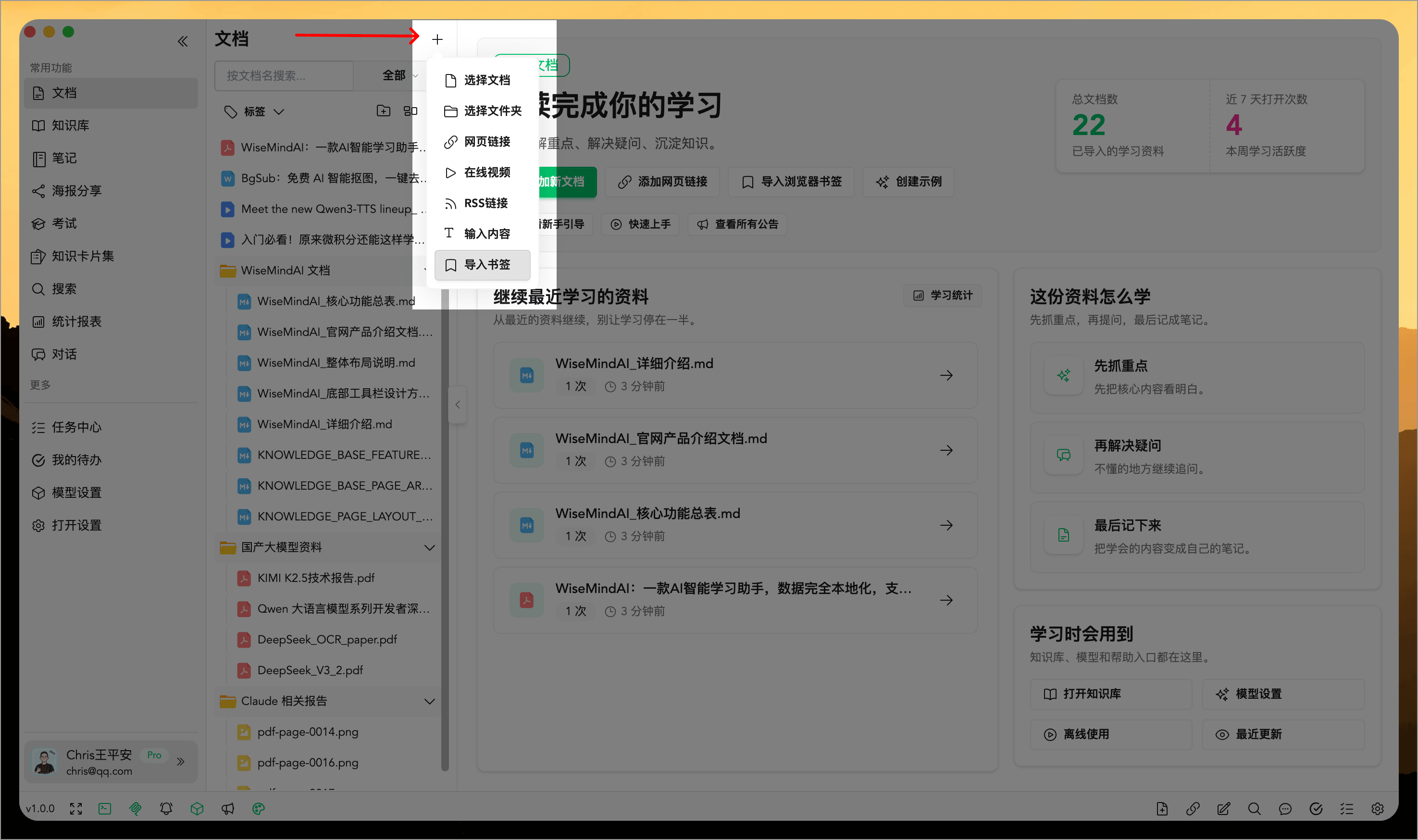
Currently, WiseMindAI supports over 20 document types. You can click the "+" button to explore additional ways to add documents:
Model Configuration
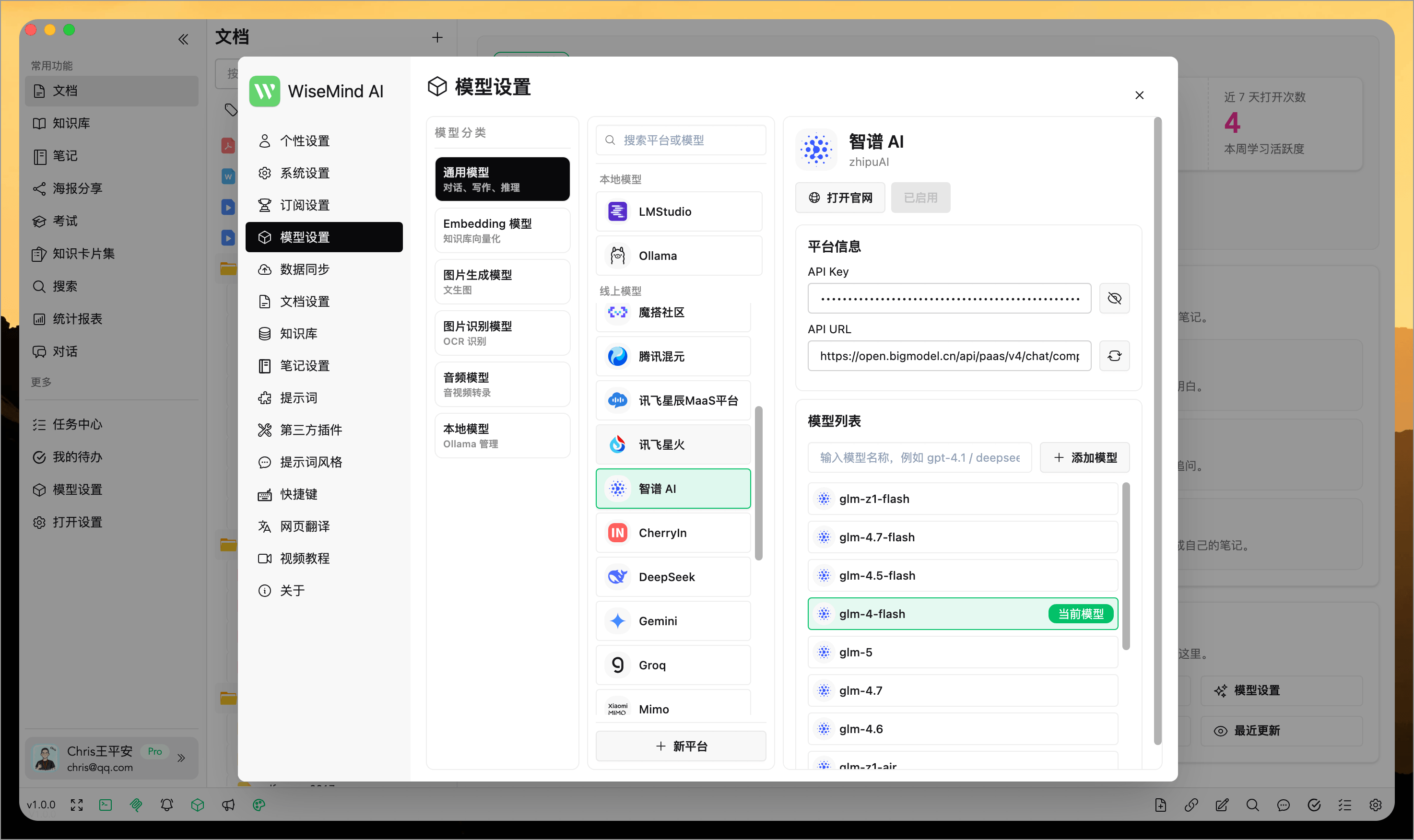
By default, upon first startup, Ollama and local models are installed. If you already have API keys from third-party model providers, you can open the "Settings Popup" in the bottom-left corner and select the "Model Settings" menu.
Here, you can configure large language models for various scenarios:
- General Model: Used for AI conversations, generating document summaries, mind maps, knowledge cards, and most other general tasks; apply API Key 👉 View Documentation;
- Embedding Model: Used to vectorize data for the foundational step in AI dialogue; apply API Key 👉 View Documentation;
- Image Generation Model: Used when generating infographics from knowledge points;
- OCR (Optical Character Recognition) Model: Used to extract text from image-based learning materials, facilitating content summarization and other tasks; apply API Key 👉 View Documentation;
- Audio Model: Used to extract text from video or audio learning materials for summaries, outlines, and highlight extraction; apply API Key 👉 View Documentation;
- Local Model: Used within WiseMindAI to manage Ollama applications, models, and services.